Guide to Managing Changes to SSM Information | Change Business Info
Commonly referred to as: SSM Change Info, Update SSM Information, Amend SSM Records, Change Business Address with SSM, Modify SSM Details, or Add SSM Branches.
Updating SSM Information
Registration for SSM Business Information Changes:
- Change Business Address
- Select the type of change you wish to make, such as updating the business address, mailing address, or other related details.
- Fill in the provided fields with accurate and updated address information. Ensure the information entered is correct and up-to-date.
- After updating, review the details thoroughly before submitting your application.
- Our team will review your application, which may take 1–2 days or longer depending on the type of change. We will contact you if additional information or clarification is needed.
- Change Business Type
- Select the new type of business activity you wish to register for your company. Ensure it aligns with your company’s operations.
- Update related information such as owner details, business address, and others.
- Verify the updated information and ensure its accuracy before submitting the application. The request will be processed until approval is obtained.
- Update Branch Information
- Choose to add or remove SSM branches and update the relevant information.
- Provide accurate details of the new or updated branch.
- Double-check the updated information to ensure its accuracy.
- Update Owner or Partner Information
- Select the owner or partner details you wish to update, including their addresses.
- Enter the new or updated information accurately.
- Verify the updated details to ensure everything is correct.
New Business Registration
- First-Time Business Registration
- For first-time SSM registrations, our team will set up an EzBiz account for you if you don’t already have one. Required documents include a photo of the front and back of your identification card (MyKad).
- Once verified, the registration process will take 2–3 business days. Our staff may contact you for further clarification or if additional changes are needed.
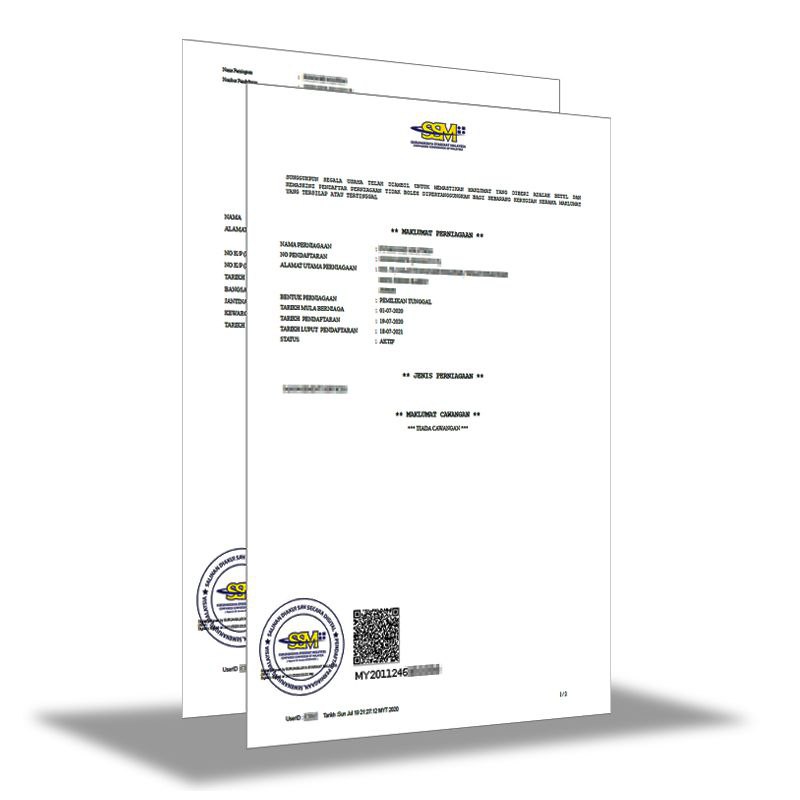
- The approved SSM certificate will be sent to your email in PDF format.
- Previously Registered Businesses
- If you have registered before, check your email inbox for a temporary username and password provided by the SSM system.
- Provide these details to our team to proceed with the registration process.
- The process will take 2–5 business days. Our staff may contact you for further clarification or necessary updates.
- The approved SSM certificate will be sent to your email in PDF format.
Important Notes
- This process applies only to Sole Proprietorships and Partnerships.
- Companies such as SDN BHD, PLT, LLP, Clinics, Law Firms, and businesses in Sabah and Sarawak are not eligible for this form.
- Online SSM administration processes may change over time. Always refer to the latest guidelines and instructions on the official SSM website.
Contact Us for Assistance
For inquiries, reach us via WhatsApp at 011-19525295 or submit your application through our website. Our team will contact you on the same day your application is submitted. Thank you!